
Tablets
Mobiles
Moto Edge
- Motorola Edge 50 Neo
- Motorola Edge 50
- Motorola Edge 50 Fusion
- Motorola Edge 50 Ultra
- Motorola Edge 60 Fusion
- Motorola Edge 60 Pro
Moto Razr
Moto G Series
Motorola Smartphone comparison
Motorola Tablets
🔴Introduction:
This page brings together Motorola phones and tablets to help you understand how each option fits into everyday use. Instead of focusing only on specifications, the aim here is to explain real-world comfort, software experience, and usability. Whether you are exploring a daily phone or a larger screen for viewing and learning, this page offers a clear starting point before moving to detailed reviews.
⚫About Motorola Tablets:
Motorola tablets are designed for users who prefer a clean interface and a straightforward experience. These devices usually focus on display comfort, stable performance, and simple navigation, making them suitable for watching videos, reading, browsing, and online learning.
Rather than targeting heavy professional workloads, the tablet lineup keeps things practical and easy to use. Some advanced features may be limited, but this helps maintain a smooth, clutter-free experience for regular daily screen time.
1) Moto Tab G62 LTE:
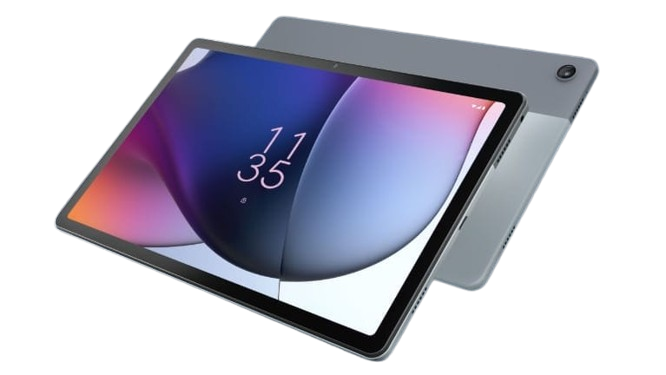
Take a look at Tab G62 LTE and see how it fits everyday viewing and connected use.
2) Tab G62:
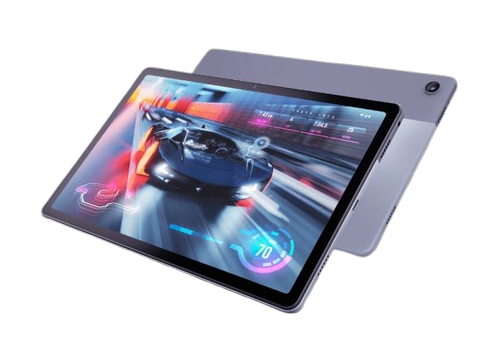
Explore Tab G62 and decide if it suits daily tasks, browsing, and media use.
Motorola Mobiles:
🟣About Motorola Phones:
🟣About Edge Series:
The Edge Series is designed for users who want a refined experience with a focus on smooth performance, display quality, and everyday comfort. These models usually emphasize clean software behavior, responsive screens, and a balanced approach that works well for regular multitasking, media use, and long screen sessions.
Rather than adding unnecessary extras, the series focuses on delivering consistency and ease of use. Some models lean more toward design and display experience, while others add stronger performance elements, allowing users to choose what fits their routine best.
1) Edge 50 Neo:
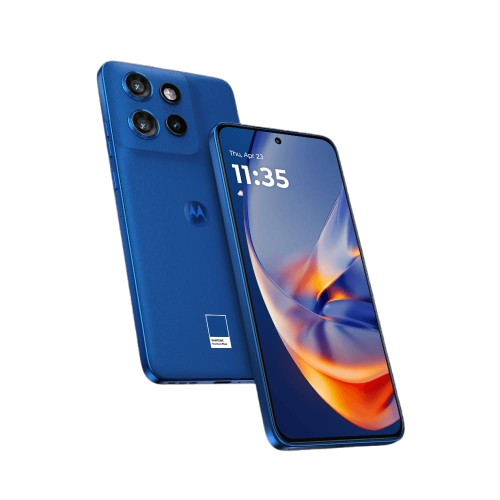
Take a look at Edge 50 Neo and see how it fits everyday use with a compact, comfortable feel.
2) Edge 50:
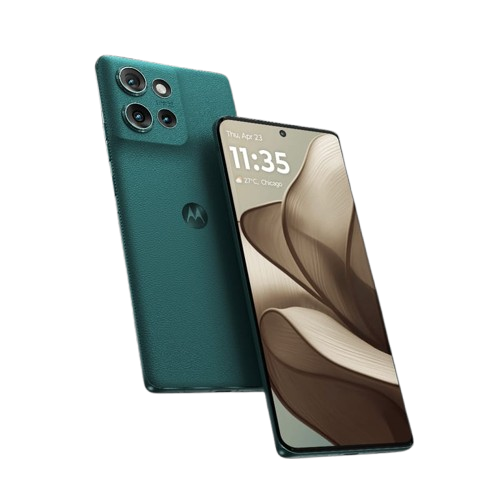
Explore Edge 50 to decide if it suits daily tasks with a balanced overall experience.
3) Edge 50 Fusion:
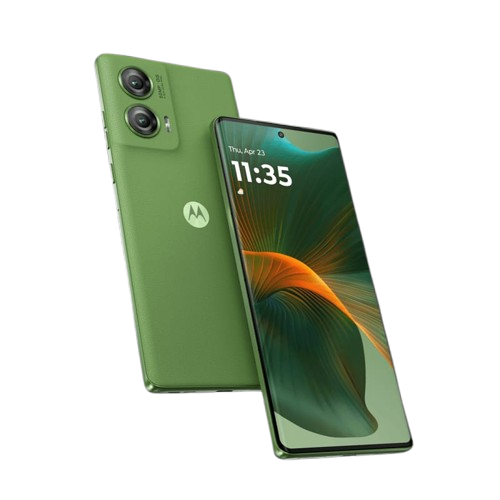
Check Edge 50 Fusion and see how it handles regular use with smooth performance and display comfort.
4) Edge 50 Ultra:
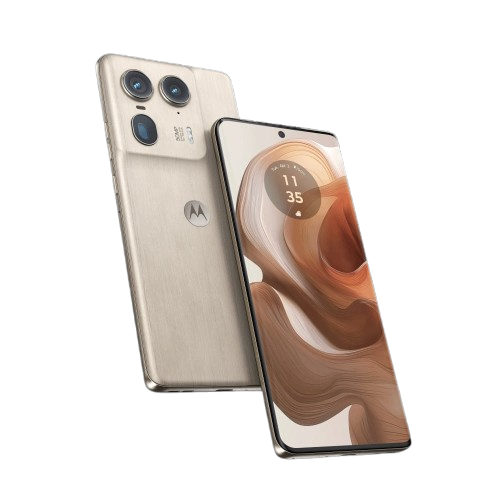
Discover Edge 50 Ultra and see if it fits demanding use with a more refined approach.
5) Edge 60 Fusion:
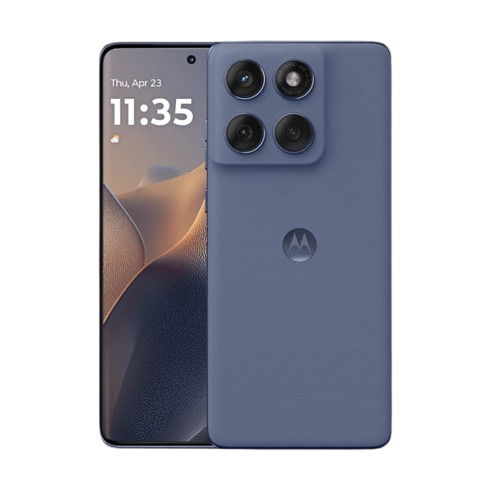
Take a look at Edge 60 Fusion and decide if it suits everyday use with a modern, smooth feel.
6) Edge 60 Pro:
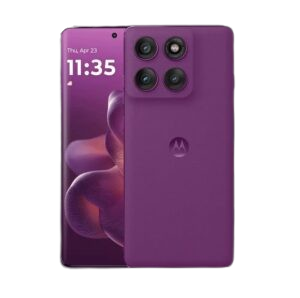
Explore Edge 60 Pro to see how it handles daily performance with added refinements.
🟣About Razr Series:
The Razr Series focuses on foldable designs built for users who want something compact without giving up screen space. These models emphasize portability, flexible usage, and a smooth software experience that adapts well to daily tasks like calling, messaging, browsing, and media viewing. The foldable format adds convenience for users who prefer a device that fits easily in the pocket while still offering a larger display when needed.
Rather than targeting heavy productivity, the Razr Series aims to deliver comfort, style, and ease of use. Some features may be more focused on form factor than raw performance, which suits users who value design and everyday practicality.
1) Razr 50:
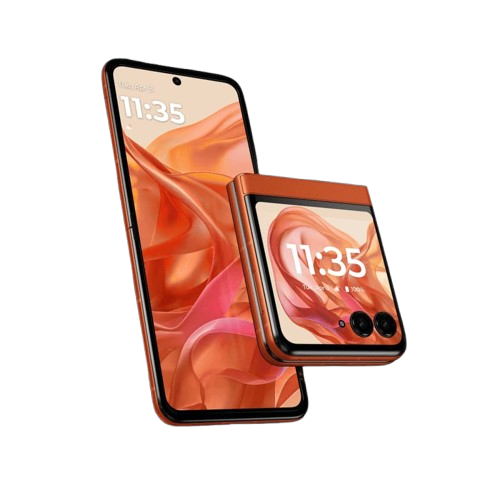
Take a look at Razr 50 and see how the foldable design fits everyday use.
2) Razr 50 Ultra:
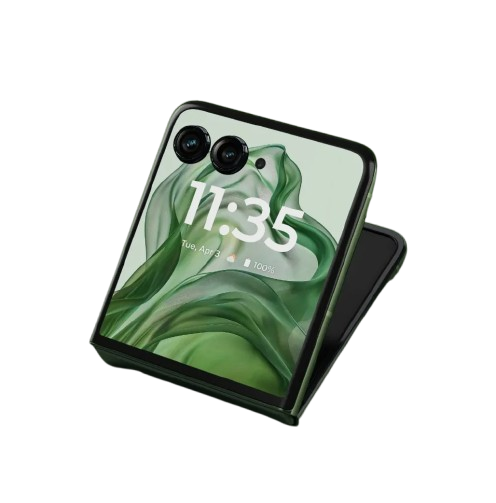
Explore Razr 50 Ultra to decide if it suits daily tasks with a more refined foldable experience.
🟣About Moto G Series:
The Moto G Series is designed for users who want reliable performance and ease of use for daily activities. These models usually focus on stable battery life, clean software, and displays that feel comfortable for long usage sessions. The series is well suited for calling, browsing, streaming, social media, and regular multitasking.
Instead of pushing premium features, the Moto G Series keeps things practical and balanced. Some models prioritize simplicity, while others add stronger performance or connectivity, allowing users to choose based on their everyday needs.
1) G45 5G:
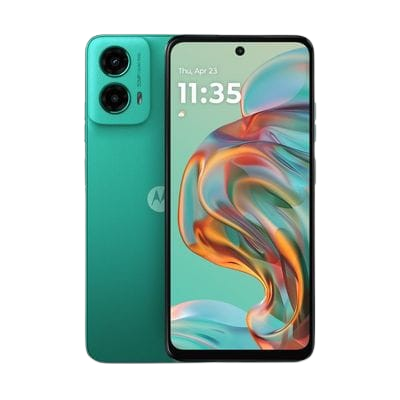
Take a look at G45 5G and see how it fits simple daily use with modern connectivity.
2) Moto G85:
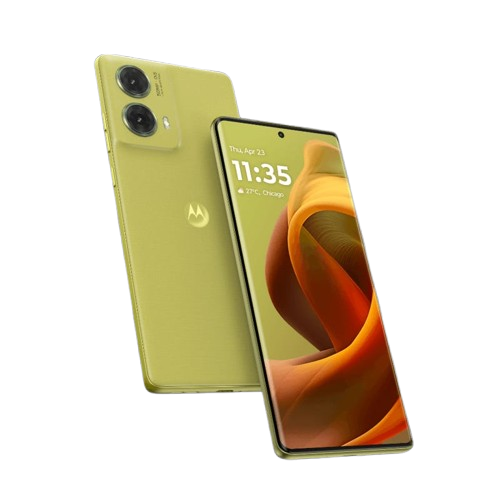
Explore G85 and decide if it suits regular use with a comfortable, balanced setup.
3) Moto G64:
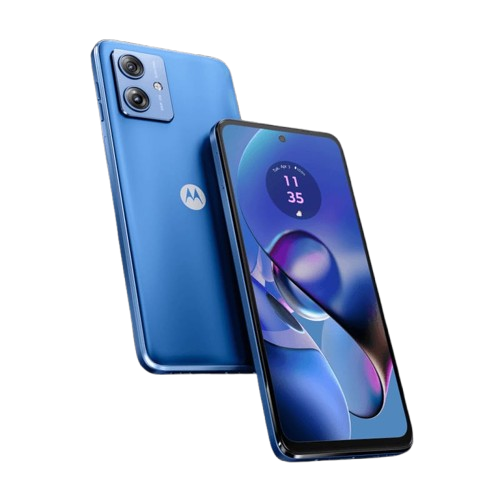
Check G64 and see how it handles everyday tasks with stable performance.
4) Moto G35:
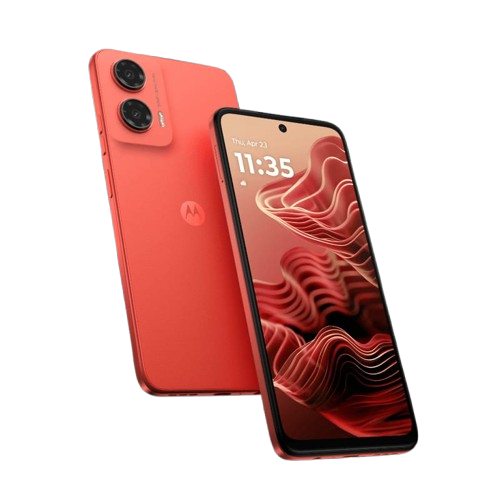
Discover G35 and see if it works well for basic daily needs and regular use.
5) Moto G96 5G:
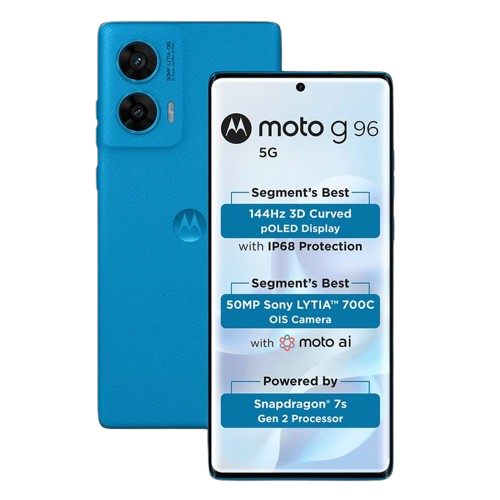
Explore G96 5G to decide if it fits daily use with added performance support.
🟣Moto Comparisons:
This section is dedicated to comparisons between Motorola devices only. These comparisons focus on real-world differences such as daily performance, display comfort, battery usage, camera behavior, and overall usability. The goal is to help users understand which option suits their routine better without bias or unnecessary technical complexity.
Instead of highlighting winners and losers, these comparisons aim to explain where each model fits best. This approach helps users make informed decisions based on their needs rather than just specifications.
1) Edge 50 Fusion Vs Edge 60 Fusion:

Explore Tab G62 and decide if it suits daily tasks, browsing, and media use.
🟣Conclusion:
This page brings together Motorola phones and tablets across different series to help you understand how each lineup fits into everyday use. From foldable designs and performance-focused options to simple daily-use models, the collection is organized to make exploration clear and stress-free.
By grouping devices by series and usage style, this page allows you to quickly narrow down what matters most before moving to detailed reviews or comparisons. As new models are introduced, this page can continue to grow and remain a reliable starting point for exploring Motorola devices with confidence and clarity.
All images used on this page are sourced from official brand websites and are included for informational purposes only. All rights belong to their respective owners.