
1) Introduction:
You are here because you have a question – Why Is My Android Phone Lagging Even With Enough Storage?
You checked your storage.
- There is still enough storage.
- You don’t play heavy games.
- You didn’t install anything new.
But your phone feels slower than before.
Apps take longer to open.
Scrolling isn’t smooth.
Sometimes it freezes for a second.
So naturally you think:
- “Maybe I should delete more files.”
The Biggest Myth: More GB = faster phone.
Here’s the truth: storage is not the reason your phone feels slow. And most articles on the internet oversimplify this problem.
Many people think:
- “128GB storage means fast phone.”
That is not how smartphones work.
Storage is like a cupboard.
RAM and processor are the workers inside the house. Even if your cupboard has space, if the workers are slow or overloaded, the house won’t function smoothly. Storage Is Not Speed
Storage (64GB, 128GB, 256GB) only decides how much data you can keep. That’s a marketing illusion.
Speed mainly depends on:
- RAM capacity
- Processor power
- Storage type (not just storage size)
- Software optimization
So if your phone has 128GB storage but only 4GB RAM and an entry-level processor, it will slow down over time. That’s normal.
That’s why deleting photos doesn’t magically fix performance.
Let’s break it down properly.
2) Why Phones Naturally Become Slower Over Time:
Here’s something most people don’t realise:
Apps in 2026 are heavier than apps in 2022.
- Instagram today consumes more RAM.
- Chrome tabs use more memory.
- Background AI features run constantly.
Even system updates require more processing power.
So your phone isn’t “damaged.”
The software ecosystem around it has evolved. But your hardware hasn’t. That mismatch creates lag.
3)The Hidden Reasons Your Phone Is Lagging:
👉🏻 RAM Pressure:
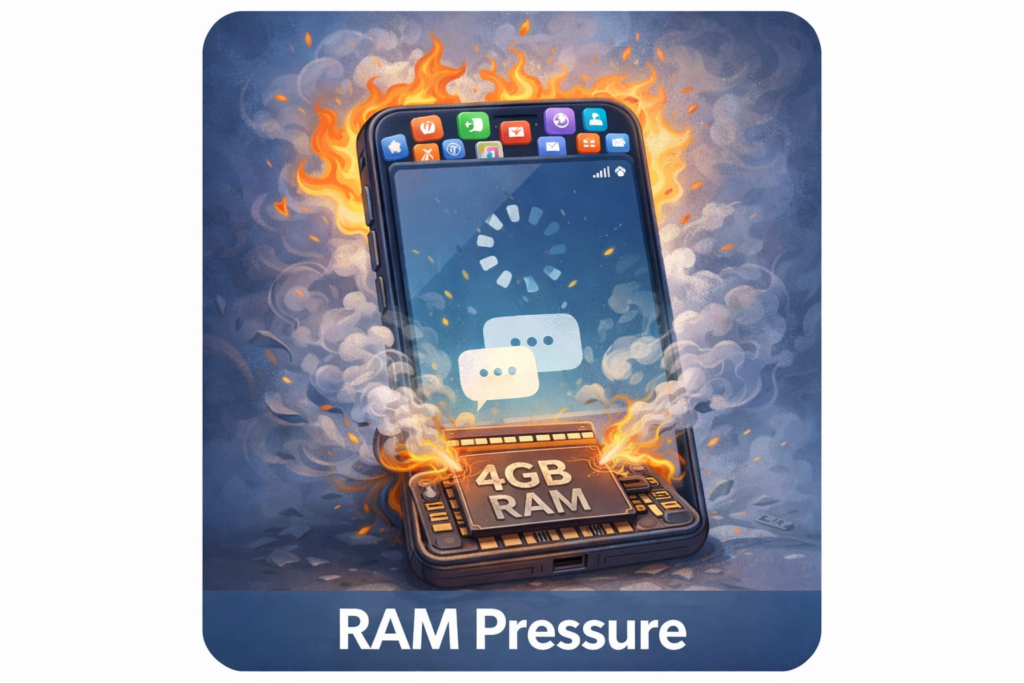
When RAM fills up, Android starts closing background processes.
When you reopen apps, they reload again.
That reload delay feels like lag. Restarting your phone temporarily fixes this because it clears RAM. But once apps build up again, the lag returns.
That’s why your phone feels fast right after restart and slow again after a few hours.
👉🏻 Processor Aging and Thermal Throttling:
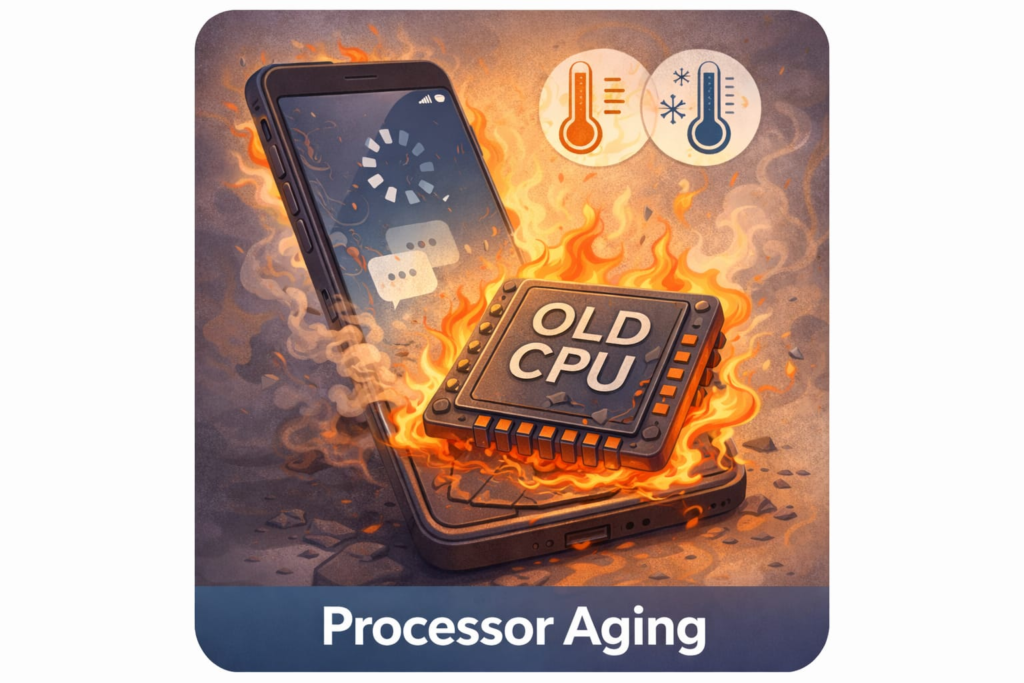
Entry-level processors are fine in the first year but after some time processors slow down when they get hot.
If your phone heats during video watching, scrolling, or multitasking, the processor reduces speed to control temperature. This is called thermal throttling.
Reduced speed = visible lag.
Over time, dust, heavy usage, and background processes increase heat frequency.
👉🏻 Storage Type Matters More Than You Think:
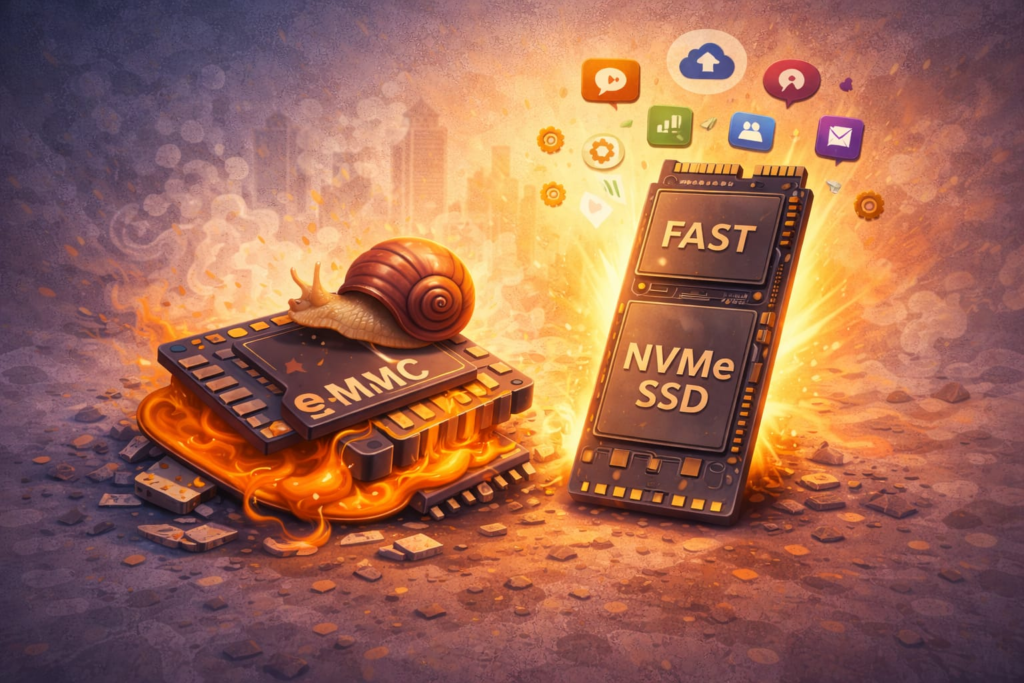
Not all storage is equal.
Some budget phones use eMMC storage, which is slower than UFS storage. Over time, as apps update and data rewrites happen, slower storage becomes even slower.
So even if you have 50GB free, the read/write speed might be limiting performance.
👉🏻 Software Bloat and Background Services:

Many phones, especially mid-range devices, come with:
- Pre-installed apps
- Background services
- RAM expansion features
- UI animations
These consume memory constantly.
Samsung users, for example, often notice lag after enabling RAM Plus. Virtual RAM uses storage space, and if storage is slow, performance may not improve significantly.
👉🏻 Outdated Hardware in Modern Environment:
If your phone has:
- 3GB or 4GB RAM
- Entry-level processor
- 3+ years of usage
Then the slowdown is expected. Not because the phone is bad. But because modern apps demand more.
4) When Fixing Helps – And When It Doesn’t:
Clearing cache helps temporarily.
Reducing animations makes it feel smoother.
Removing unused apps improves background load.
But none of these increase processor power. If hardware limitation is the core issue, no “lag fix APK” can magically change it. This is why many so-called performance booster apps do nothing meaningful. They cannot upgrade your chipset.
How to know if Fixing is enough – or if it’s time to upgrade.
Ask yourself honestly:
- Is your phone more than 3 years old?
- Does it have 4GB RAM or less?
- Does it reload apps every time you switch?
- Does it heat during normal use?
- Does it only feel fast right after restart?
If your answer is “Yes” to most of these, then clearing cache will not solve the real issue. Because you are facing hardware limitations. And at that point, the honest solution is not another “booster app”. it is upgrading to a device with stronger hardware.
5) So Now, What Actually Matters?:
If you want long-term smooth performance, focus on:
- Minimum 6GB or 8GB RAM
- Efficient modern processor
- Faster storage type
- Clean software experience
This is also why performance-focused devices last longer than camera-marketed devices in the same price range.
If you are considering an upgrade in future, choosing a processor-strong phone makes a bigger difference than choosing the highest megapixel count.
You can check our performance-focused phones guide where we explain which devices stay smooth for longer usage.
6) Final Thoughts:
If your device is relatively new and well-specced, optimization can help. But if your hardware is outdated, no cleaning trick will permanently fix lag. A slow phone is rarely about storage.
It is about hardware capability in a modern software environment. And once you understand that, you stop guessing – and start choosing smarter.
FAQ:
Restarting your phone, clearing app cache, reducing background apps, and lowering animation scale can improve performance temporarily. But if the phone has limited RAM or an older processor, upgrading may be the long-term solution.
Modern apps use more RAM and processing power. If your device has 4GB RAM or an entry-level chipset, it may struggle with multitasking, causing freezing and reload delays.
Clearing storage helps only when the device is almost full. If storage space is already available, lag is usually caused by RAM pressure or processor limitations.